
1
Set the farm context
Choose the country, currency, growing season, frost dates, bed sizes, planning depth, and sales channels the rest of the app should respect.
Global farm setupCurrency and local datesBeds and sales channels
The app starts with your real farm context, then connects crops, beds, successions, tasks, weather, products, events, finance, Growth Studio, reports, and next-season decisions.
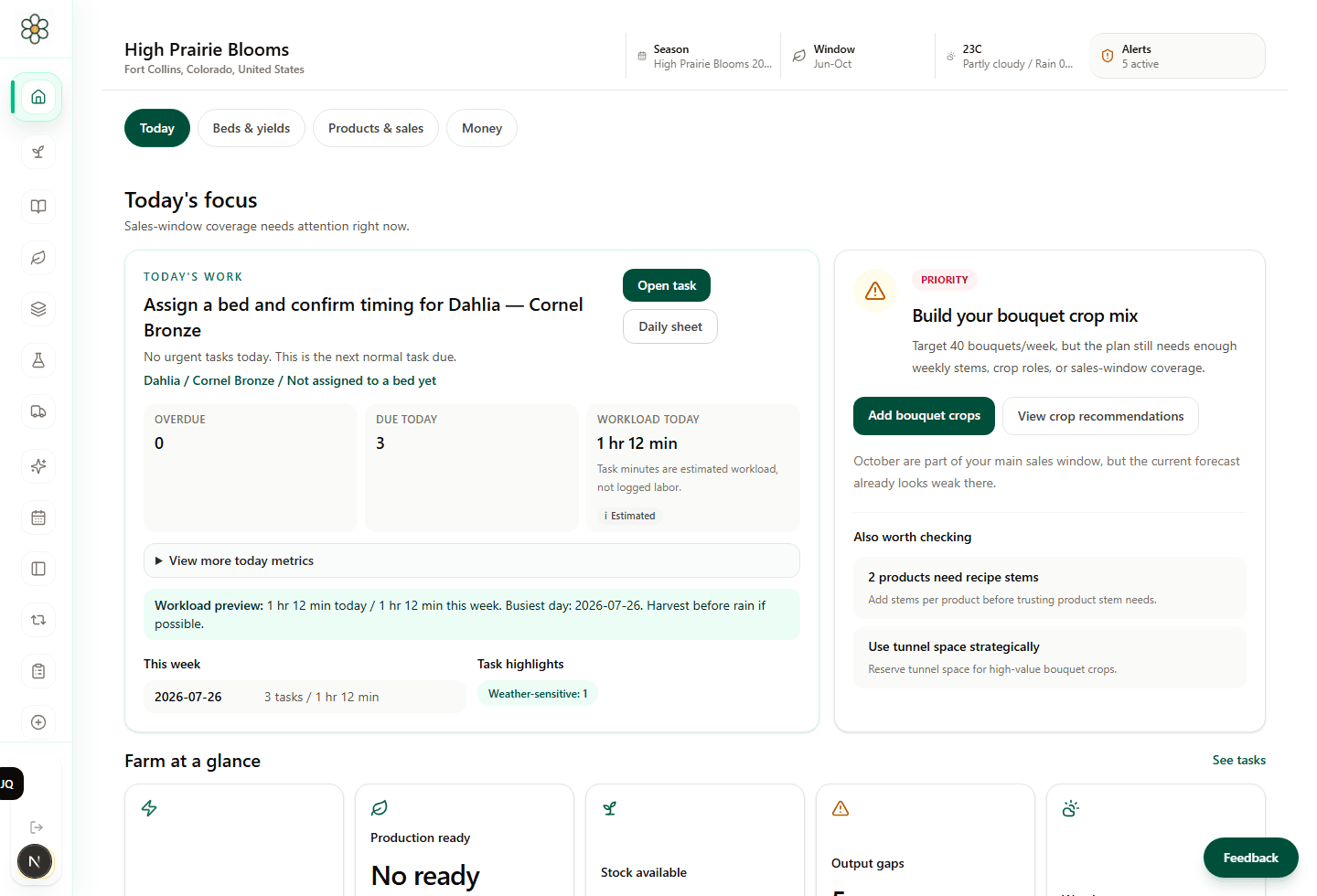
Each step creates context the next workspace can use. Growers do not have to explain the farm again every time they move from planning to production, products, money, or marketing.
Choose the country, currency, growing season, frost dates, bed sizes, planning depth, and sales channels the rest of the app should respect.
Use the Plant Library and My Plants to move from crop ideas to farm-specific varieties, roles, spacing, timing, suppliers, notes, and saved grower choices.
Turn crops into sowing dates, transplant windows, successions, harvest windows, production expectations, and the printable schedules growers need before the season gets busy.
Check what fits before committing space. Beds and Yields connects crop blocks, spacing, plant counts, stem estimates, bed history, and value per bed.
Build bouquets, subscriptions, market bunches, florist bunches, DIY buckets, wedding pieces, and event products from the flowers the farm can actually supply.
Use generated tasks, calendar context, live weather signals, harvest records, sales, losses, notes, and field updates to compare the plan with what really happened.
Connect sales, expenses, cashflow, crop value, product margin, reports, exports, scenarios, and recommendations so next season starts from evidence.
Growth Studio can use farm, product, customer, and campaign context to support buyer research, brand voice, and Facebook or Instagram organic campaign drafts.
These are real app screenshots from the planning system. Each workspace has a practical job, and the data keeps moving forward.
Start the day with planning gaps, current work, reminders, trial status, and the next useful action visible.
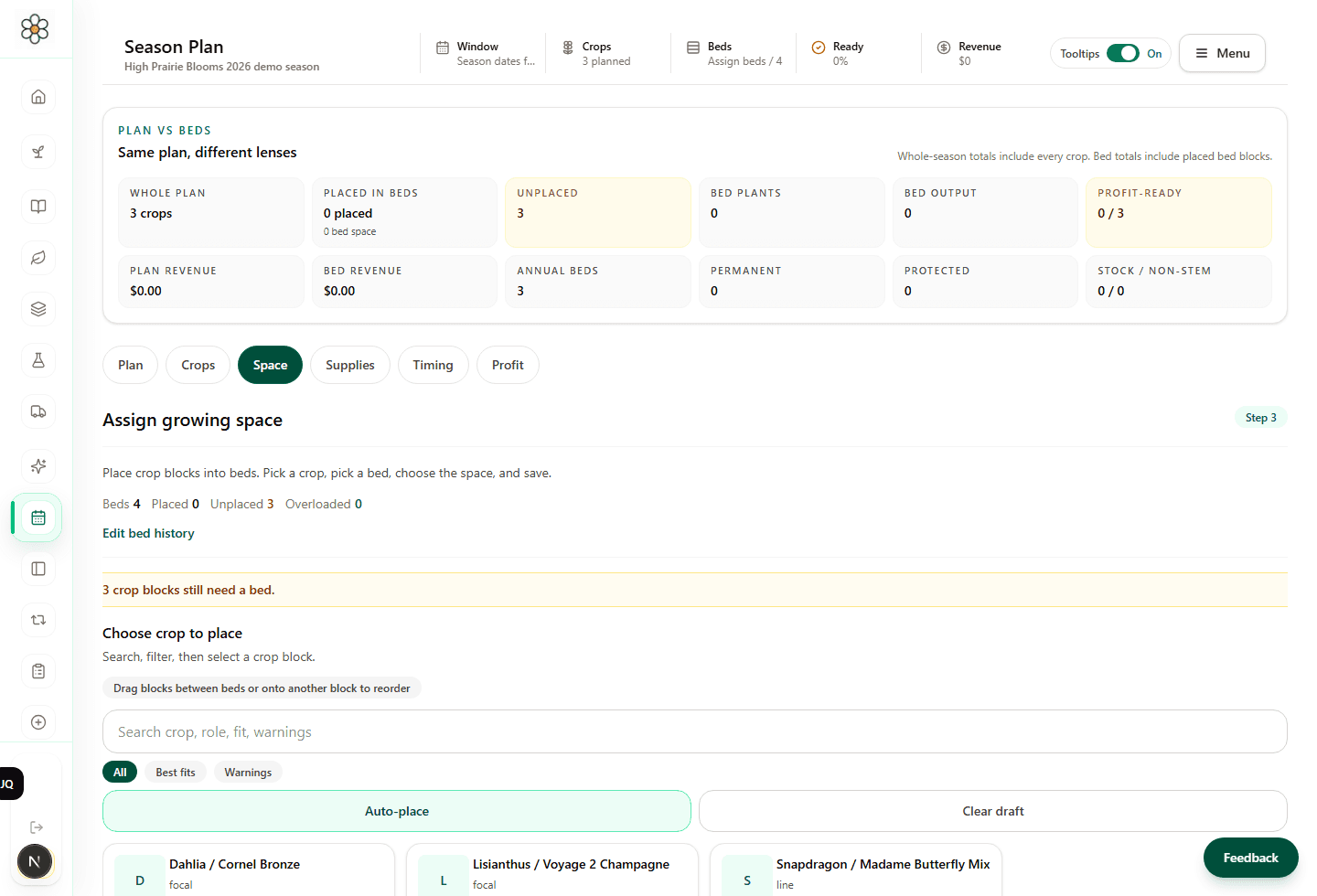
Plan crop timing, successions, harvest windows, seed-starting work, and schedule readiness before the season is moving fast.
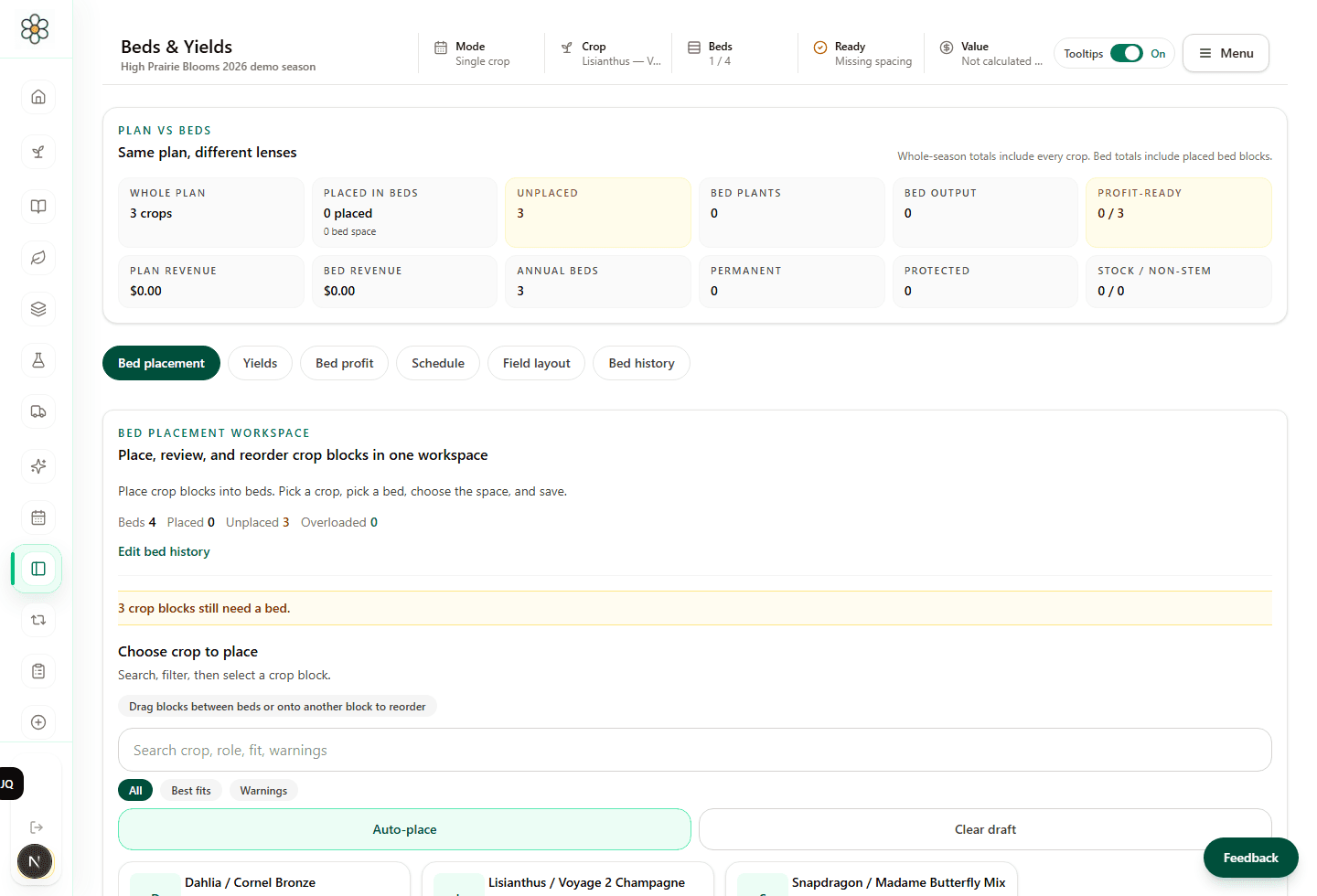
Place crops into beds, calculate spacing and plant counts, review bed history, and see whether supply is realistic.
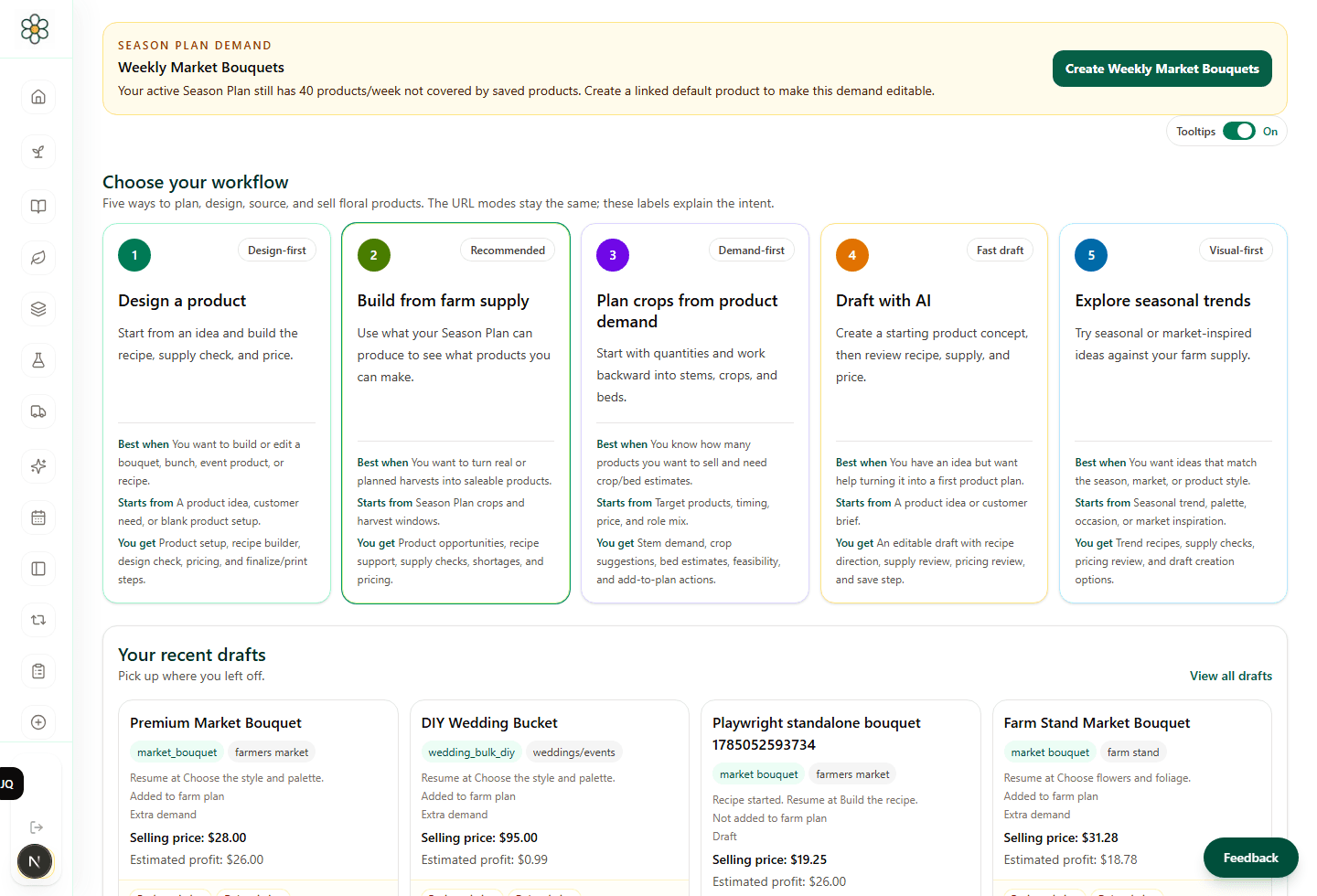
Create bouquet recipes, florist bunches, subscriptions, DIY buckets, market products, wedding pieces, and event-ready products.
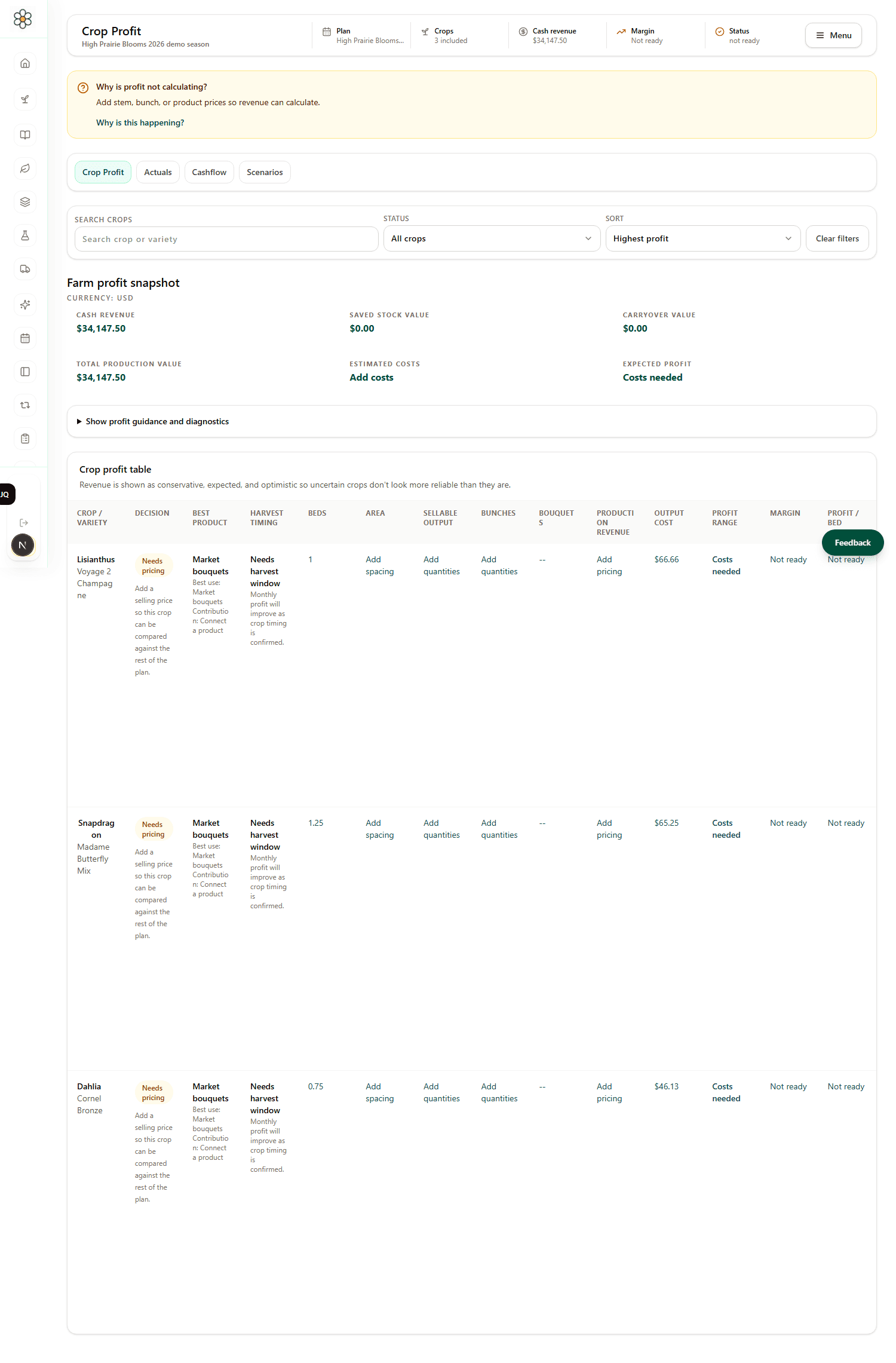
Track crop value, product revenue, expenses, cashflow, profit, quotes, invoices, reports, and the records that explain the season.
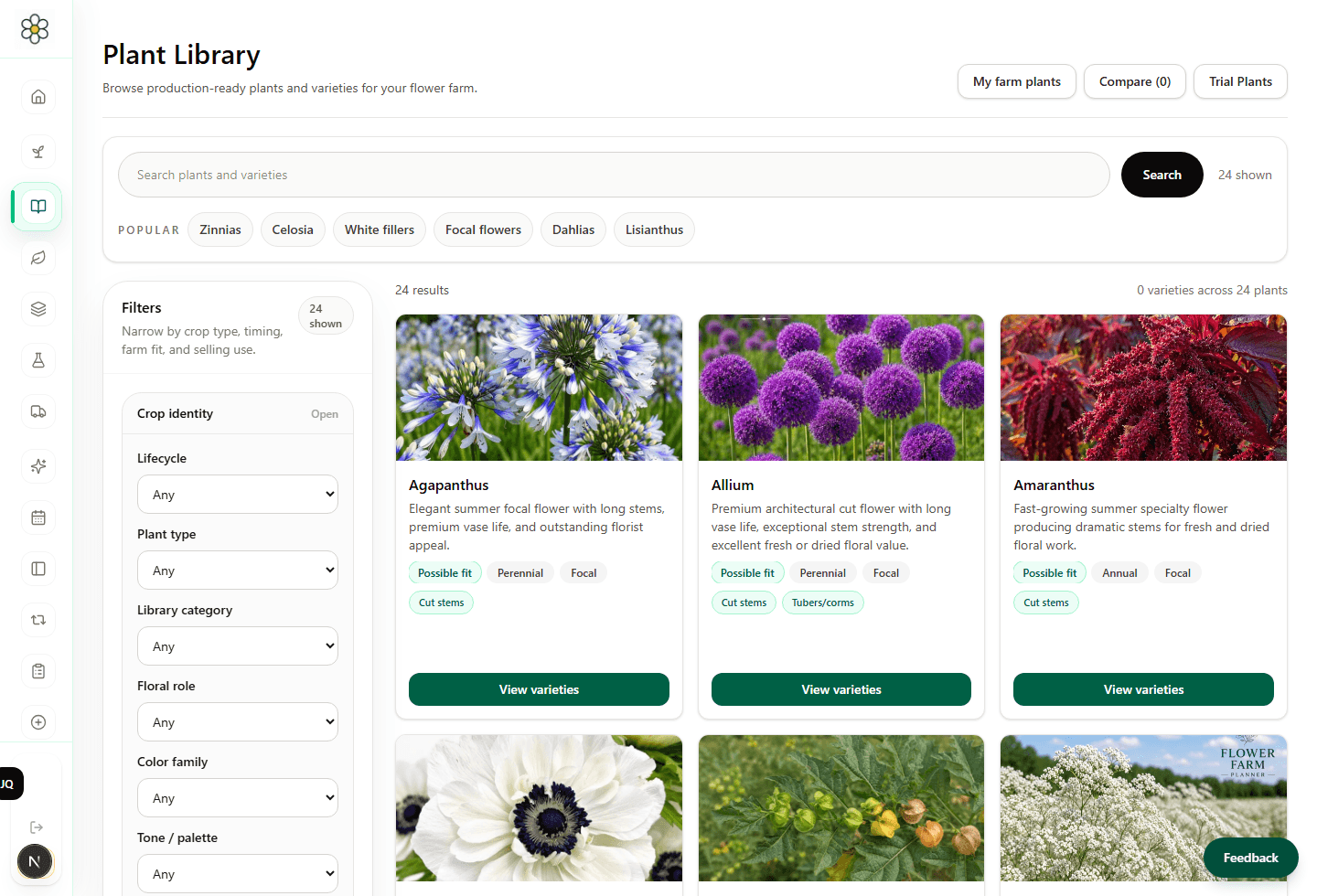
Research crops, compare varieties, save My Plants, and carry plant knowledge into beds, products, Growth Studio, and Flora guidance.
Flower farms make decisions under pressure: what to sow, where to plant, what to sell, what to price, what to promote, and what to repeat. The system keeps those decisions connected to the farm record.
Can these crops fit the beds, dates, successions, weather risks, and seed schedule?
Can the farm supply enough stems for bouquets, florists, subscriptions, markets, weddings, or events?
Do tasks, weather, actual harvests, sales, and losses show the plan needs attention?
Which crops, products, customers, and channels earned their place?
A season plan is only useful if it can help with weekly work, customer promises, reports, marketing, and the next round of planning.
Use printable views for seed schedules, bed planning, reports, and the information that needs to leave the screen.
Download readable records for season reviews, finance checks, diagnostics, and external spreadsheet work.
Ask Flora for app guidance where enabled, and use support when something needs a human review.
Use farm and product context to shape buyer research, brand voice, and organic Facebook or Instagram drafts.
Start with setup, then keep crops, beds, products, finance, tasks, and decisions connected.